
Engineering · · 2 min read
Why Microsoft Store apps open in their own window
Two kinds of Store apps, two different reasons they can't be held by another app, and the crash that settled the question.
WorkTool development
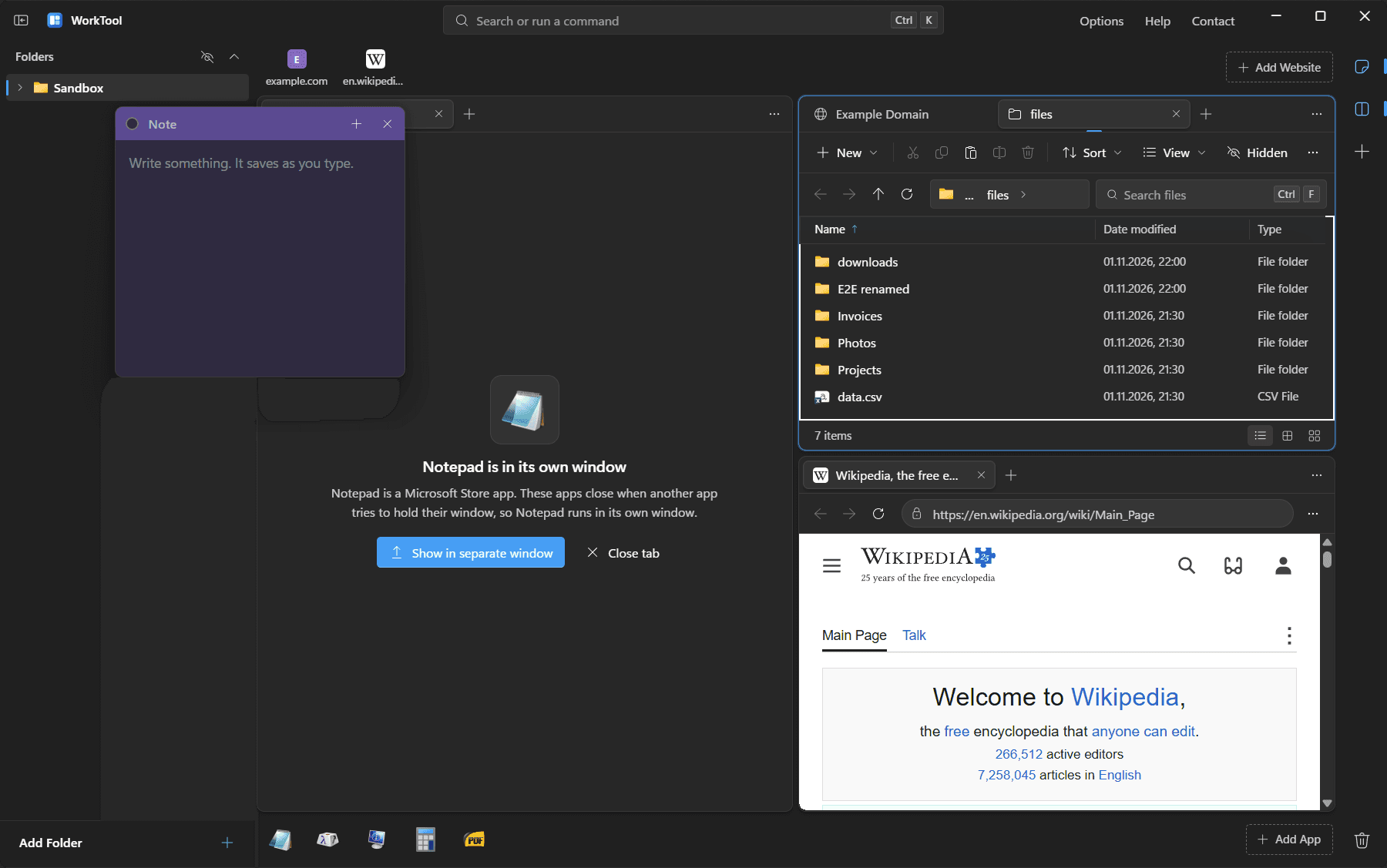
Open Calculator or the Windows 11 Notepad from WorkTool's dock and the tab says the app runs in its own window. That isn't an unfinished feature. Windows doesn't support putting these apps inside another program's window, and trying can crash them.
Two kinds of Store apps
Microsoft Store apps come in two broad kinds, and each breaks in a different way.
Older Store apps (UWP apps such as Calculator) don't own the window you see. The frame belongs to a Windows system process, and the app's content is drawn separately and combined by Windows. Windows also pauses these apps when it thinks their window isn't visible. Moving the frame into another app gives a blank or frozen area, not a working app.
Newer packaged apps such as the Windows 11 Notepad, Paint and Terminal draw their entire window themselves, title bar included, and expect to be a normal top-level window.
The crash that settled it
During development, WorkTool tried to embed the Windows 11 Notepad like any other app. Notepad crashed immediately with an unhandled exception. A crash like that can lose unsaved work, so the rule became simple: WorkTool never tries to move a window whose program runs from the folders Windows uses for Store packages (WindowsApps and SystemApps), or a UWP frame window.
Administrator apps and apps that refuse
Two more cases get the same treatment:
- Apps running as administrator. Windows blocks a normal program from holding an administrator window. WorkTool checks this before trying.
- Apps that refuse. Some programs don't accept a new parent window. WorkTool checks whether the move worked and, if not, puts everything back the way it was.
In all three cases the tab shows the app's name, why it can't be held, and a button to bring its own window to the front.
Is the rule too strict?
Probably a little. Some apps from the Store are ordinary desktop programs distributed through it, and they might embed fine. But WorkTool can't tell in advance which ones would crash, and a rule that sometimes loses work isn't worth it. For many apps there's another way: their regular installer, which you can get through Get new apps, often installs a classic version that WorkTool can hold.