
An independent tool for a scattered workday
WorkTool is developed independently, as a Windows app meant to make everyday work less scattered.
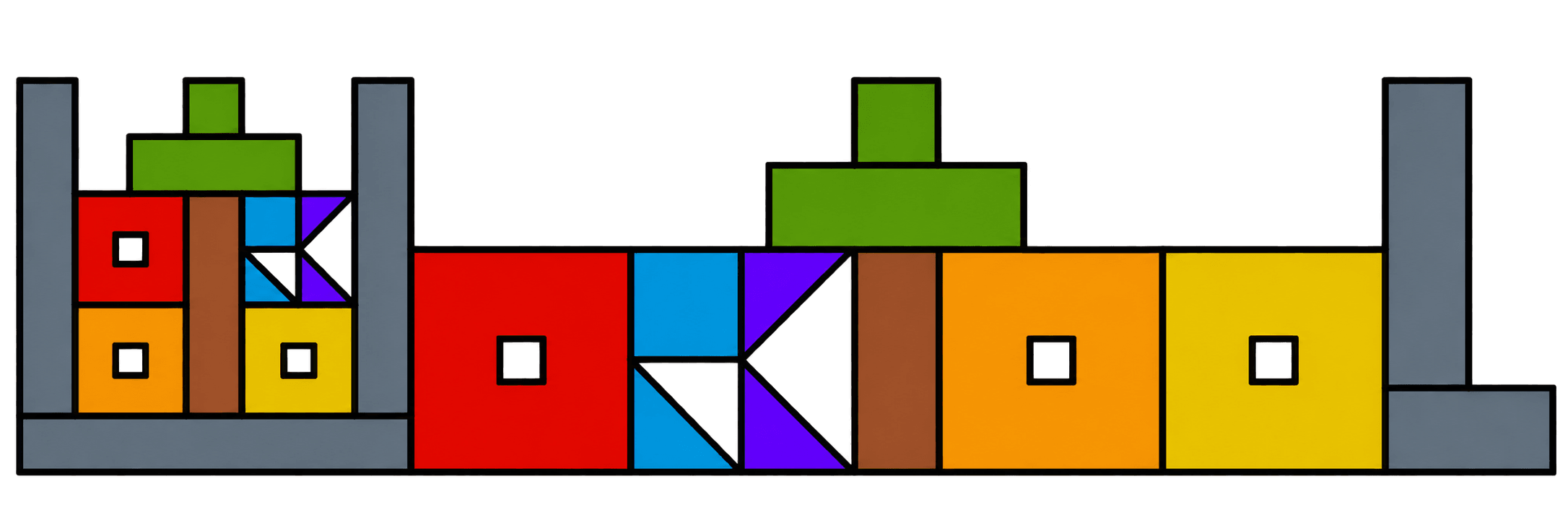
The wordmark is built from blocks, like a workspace is built from the tools you put in it.
Why it exists
Most work on a Windows PC isn’t done in one program. It’s a project folder in File Explorer, a few web apps in a browser, a handful of desktop programs and some notes, each in its own window. The windows pile up, the right one is never where you left it, and the arrangement is gone after a restart.
WorkTool takes those pieces as they are and puts them in one window: folders in a sidebar, websites in a strip, apps in a dock, and all of them openable side by side in tabs. It doesn’t replace the tools you use. It holds them.
How it’s built
WorkTool is a Tauri 2 app: the parts that talk to Windows are written in Rust, using Windows’ own features for window embedding, the clipboard, the Recycle Bin and file handling. The interface is React and TypeScript, rendered by Microsoft Edge WebView2, which also renders the websites you open. The engineering articles in the development journal explain the harder parts.
Where it stands
WorkTool is in alpha. The latest internal build is 0.2.0, from 2 November 2026. It runs on Windows 11 and is tested there with automated end-to-end tests against the real app. It isn’t publicly available yet; the source code is meant to be published as open source.
What WorkTool is built to do, and not do
- Work with what's there
- WorkTool doesn't import, sync or copy your things. It shows the folders, apps and websites you already use, where they already are.
- Never surprise anyone with data loss
- Removing from WorkTool and deleting from your PC are separate, clearly named actions. Real deletes use the Recycle Bin or ask first with full paths. Apps asking a question are never closed by force.
- Be honest about limits
- When Windows won't allow something, such as holding a Store app, WorkTool says so and offers the next best thing, instead of failing quietly. This site follows the same rule.
- Feel like Windows
- Windows 11's own design values, icons and fonts, so WorkTool fits next to File Explorer and Settings.
- Keyboard first, mouse friendly
- Every item and action is reachable from Ctrl+K; everything also works with the mouse.
- Test on the real thing
- Features are checked against the real app on Windows 11, including real app installs, not only in simulation.