Skip to content
WorkTool

Try WorkTool in your browser

Sample data, nothing is saved: refresh or Reset to start over

WorkTool
NameDate modified
  • Website redesign04.11.2026, 16:20
  • Client handover29.10.2026, 14:05
  • launch-plan.docx05.11.2026, 10:12
  • budget-2027.xlsx05.11.2026, 08:47
  • brief.pdf28.10.2026, 17:30
  • meeting-notes.txt05.11.2026, 09:03
  • contacts.csv21.10.2026, 13:15
7 items · 1 selected · double-click to open, right-click for more
Note

On a phone the preview shows one pane at a time. WorkTool itself is a Windows desktop app.

Real screenshots from Windows 11

Taken from WorkTool alpha builds while testing on Windows 11 at 125% scaling, with test data.
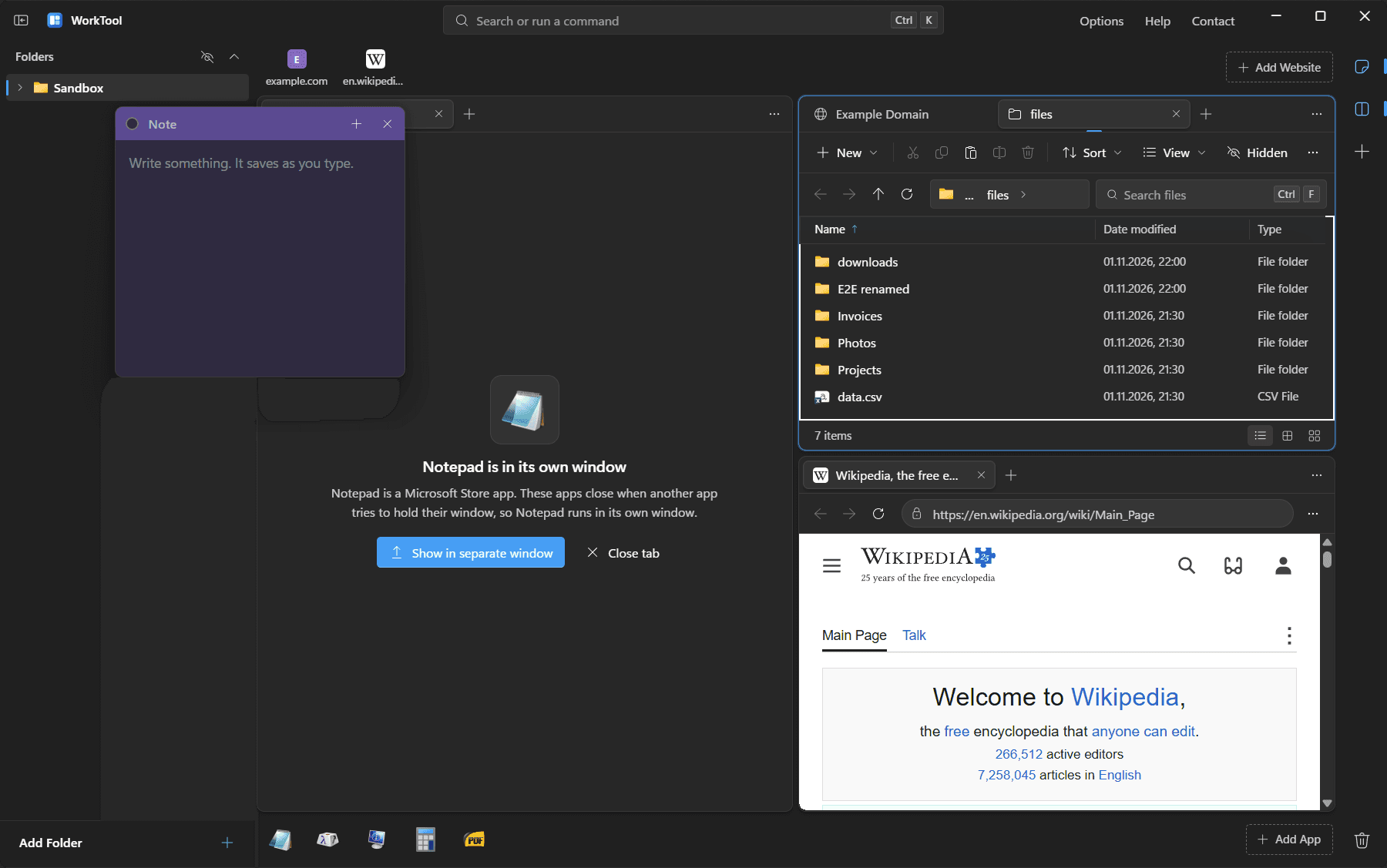
Three panes with a folder view, Wikipedia and an app tab, and a floating note
Three panes: a folder, a website and a Store app that runs in its own window, with a note on top.
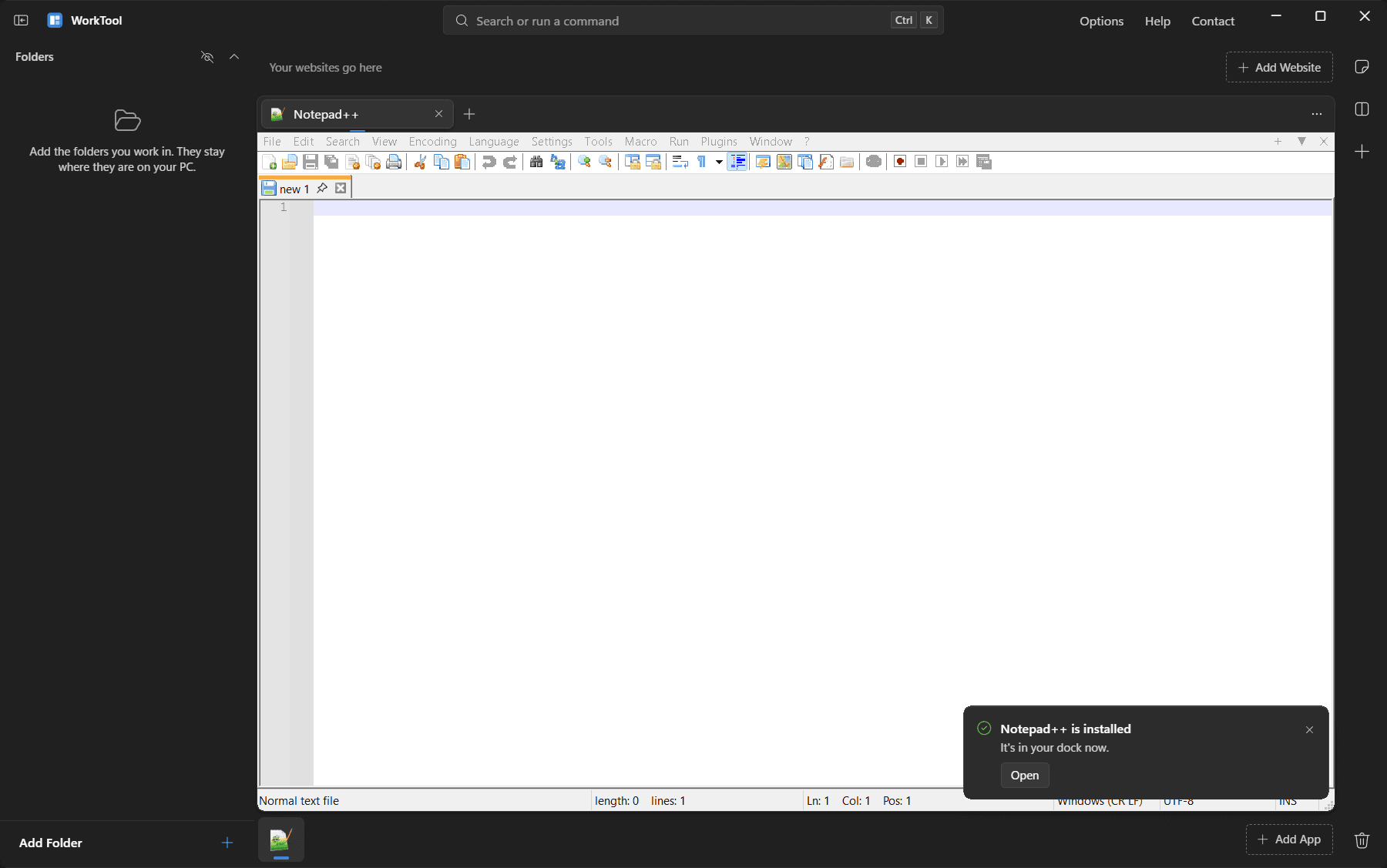
Notepad++ inside a WorkTool tab
Notepad++, installed through Scoop from inside WorkTool, running in a tab with its menu bar.
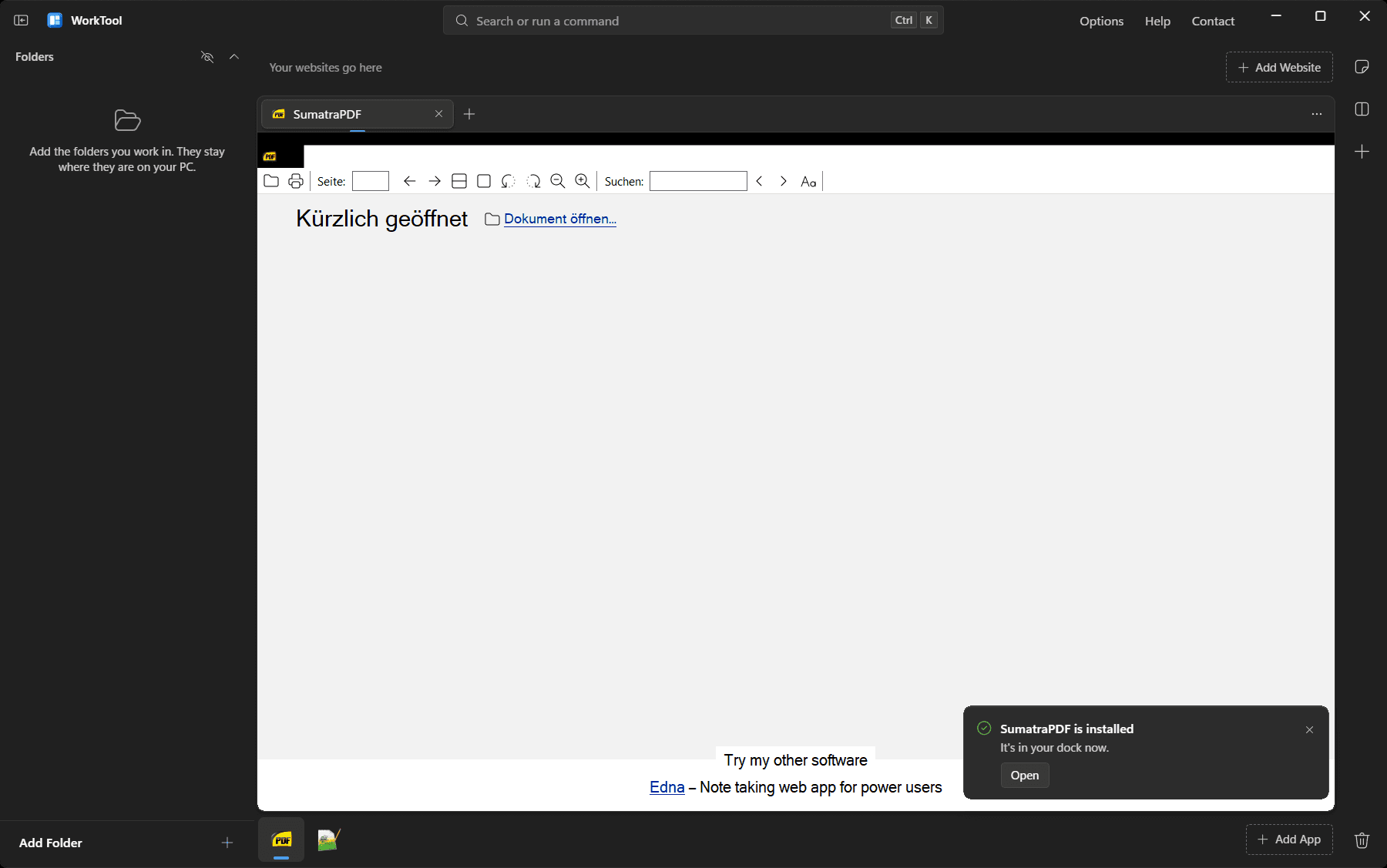
SumatraPDF inside a WorkTool tab
SumatraPDF, installed through winget, inside WorkTool. The dark strip at the top is SumatraPDF's own title area.
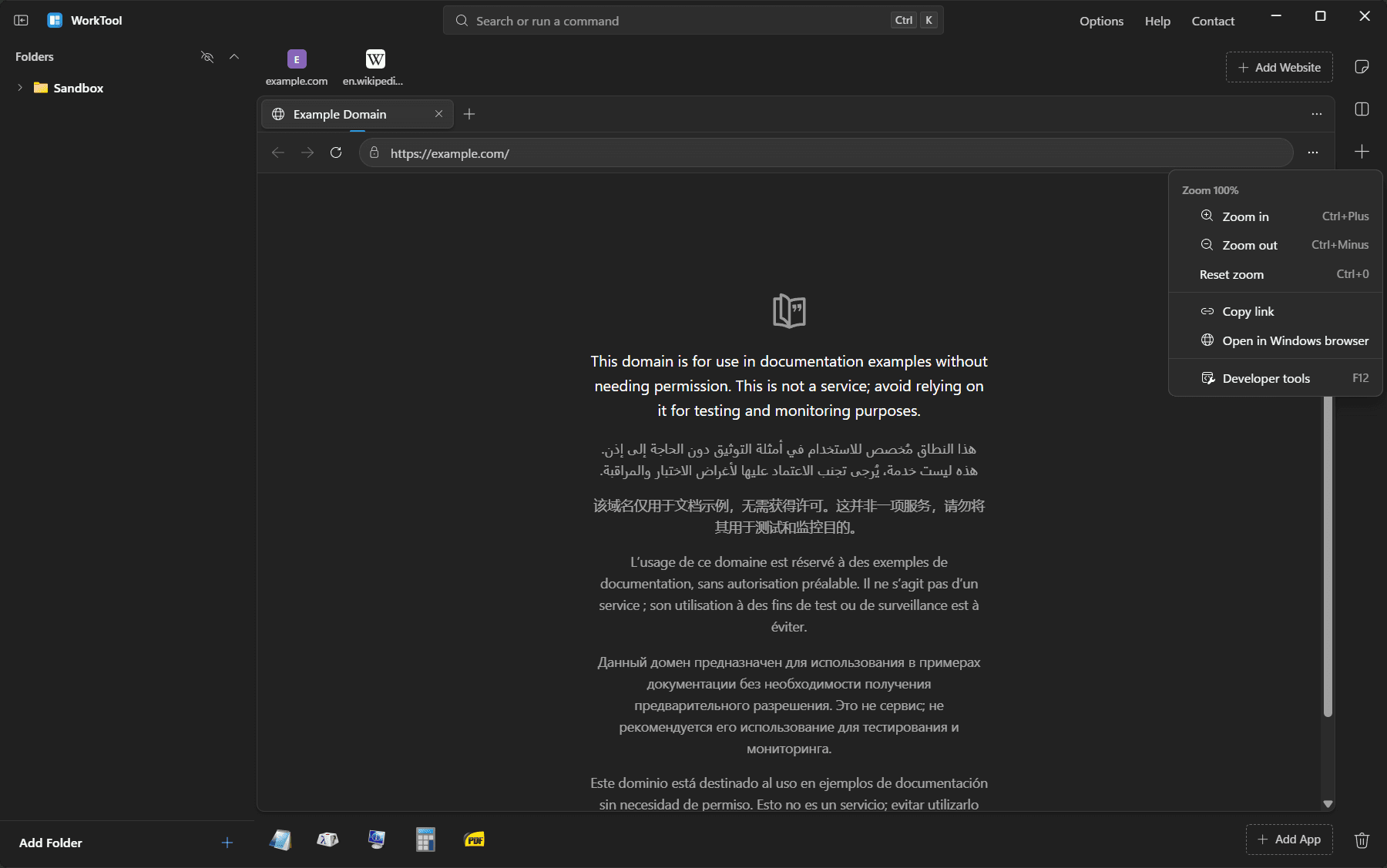
A WorkTool menu above a live website
WorkTool's menus draw above live websites and apps.
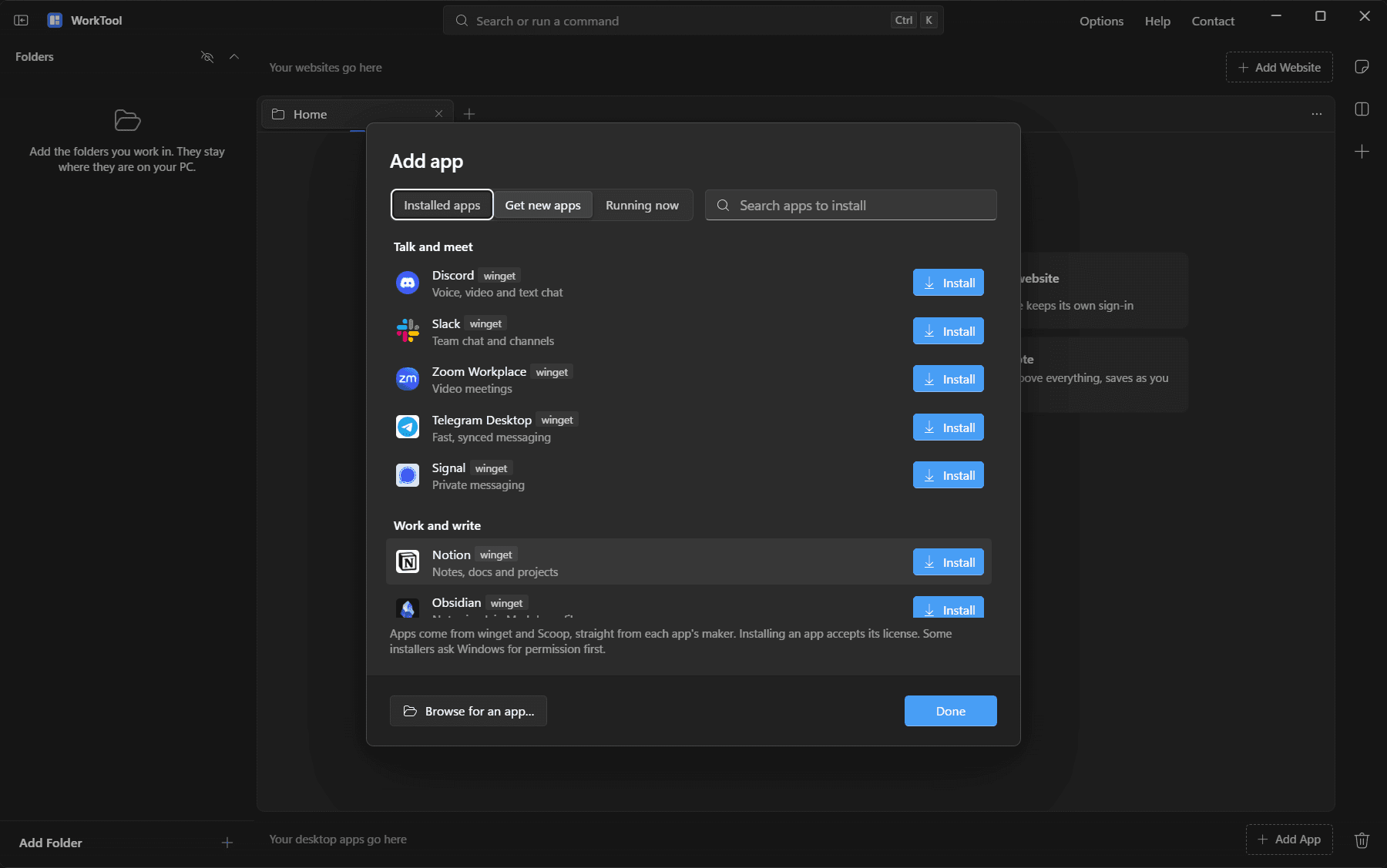
Get new apps
Get new apps: popular apps from winget, with real icons.
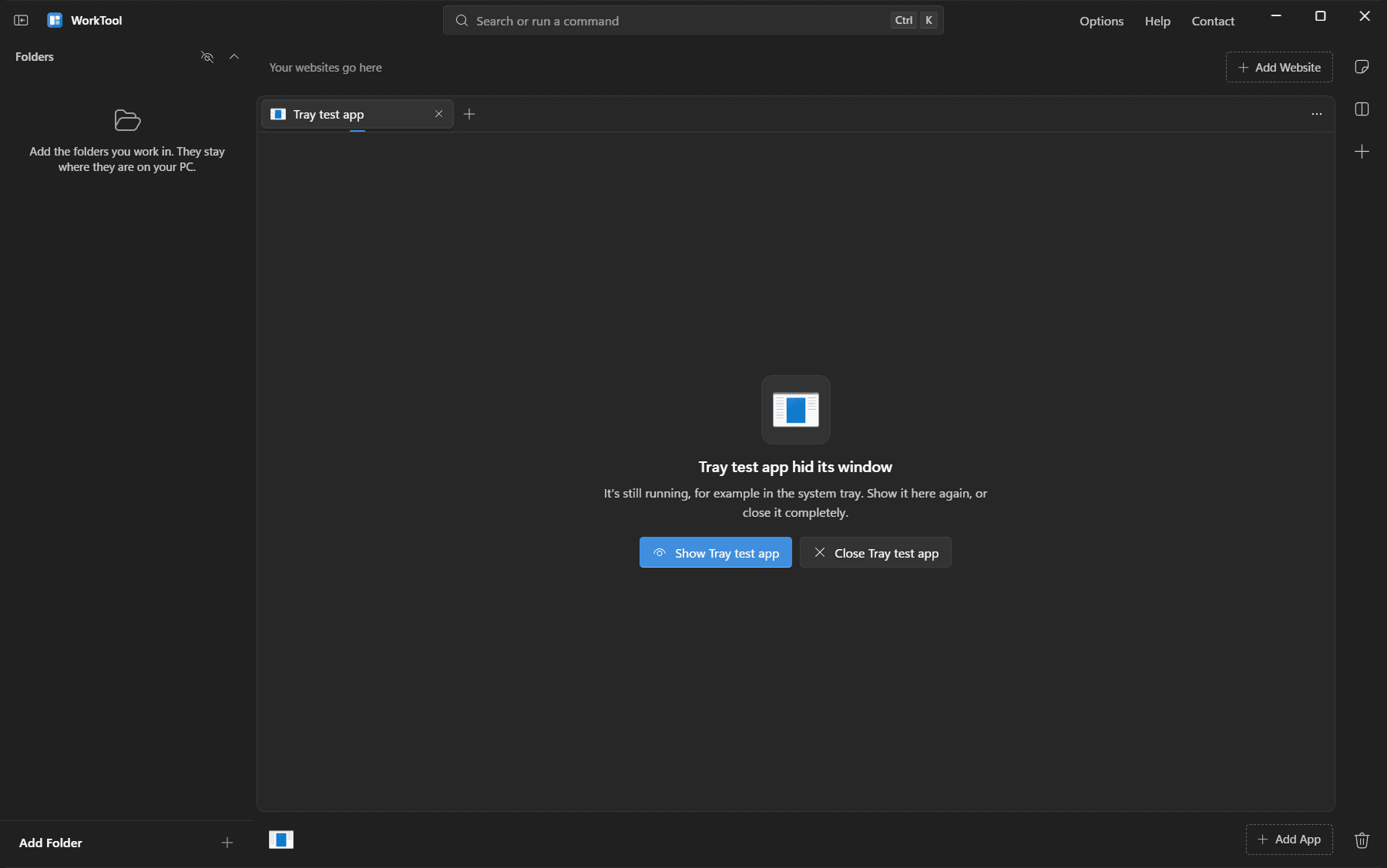
An app tab saying the app hid its window
When an app hides itself (to the tray), the tab says so and offers Show or Close.
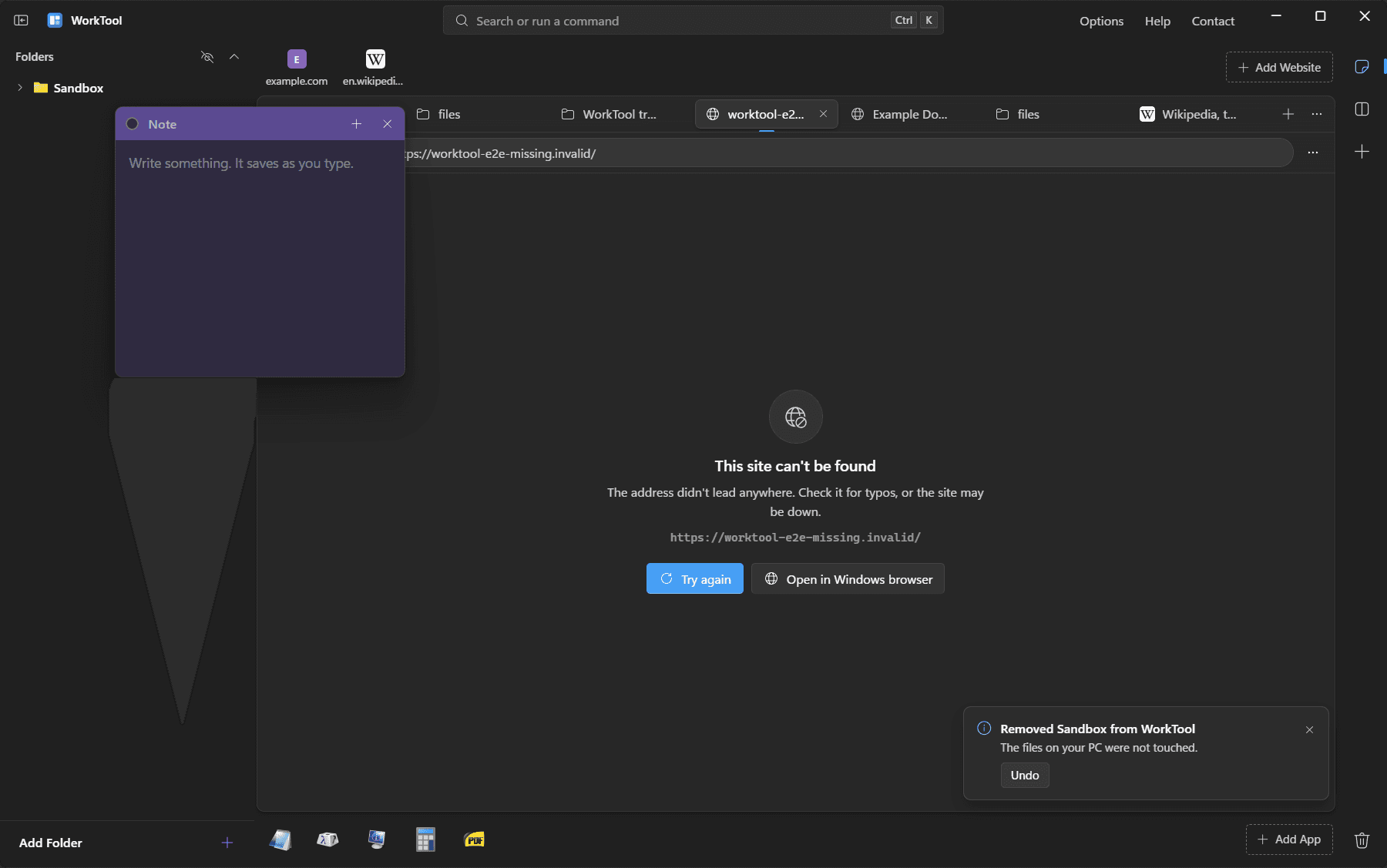
A designed error state for a site that can't be reached
A clear message when a website can't be reached.
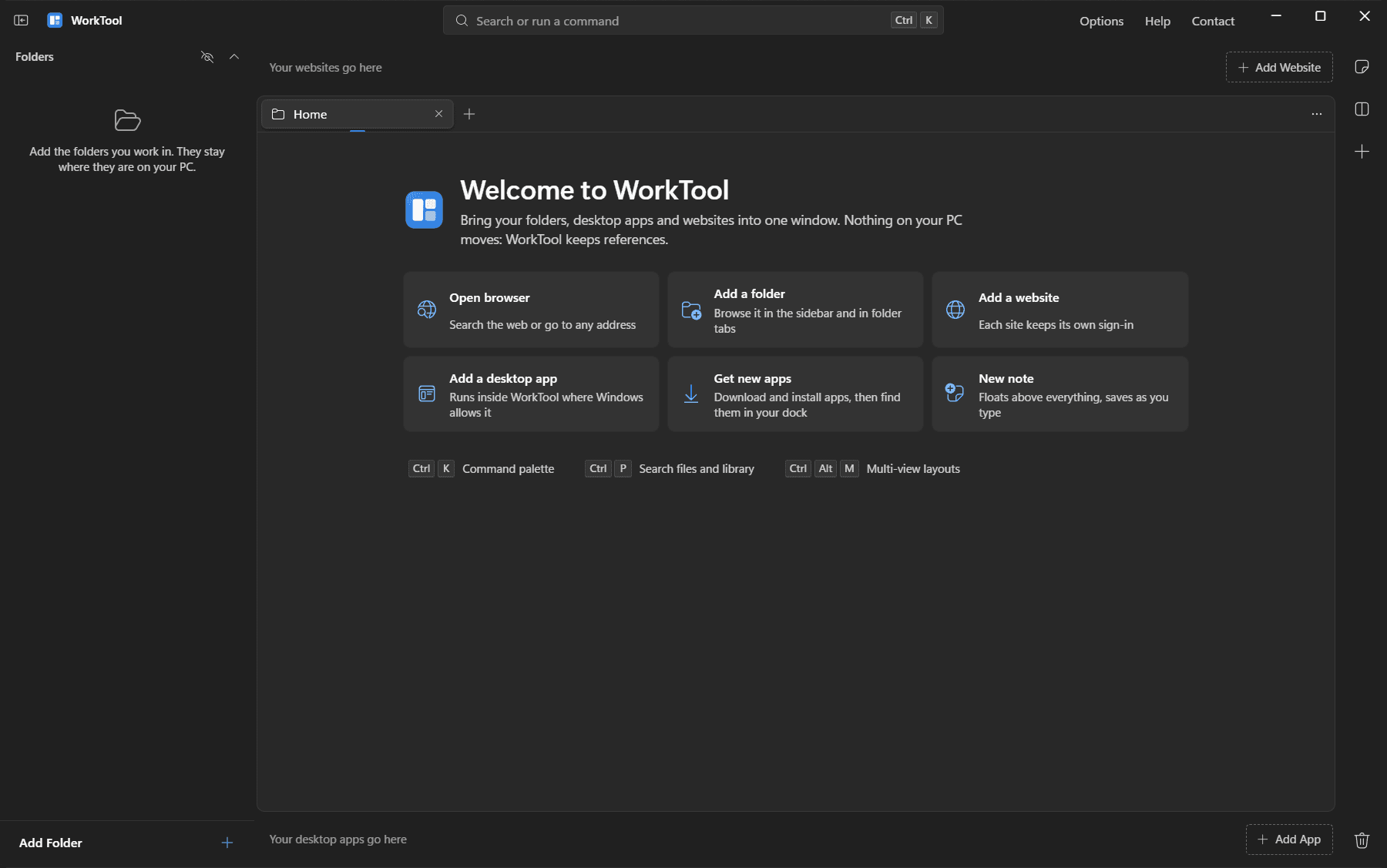
The welcome screen
The welcome screen on a fresh start.